Church & Worship AV
Small GA Church AV Solutions: The Essential Technology Guide (200-500 Members)
Key Takeaways
- Audio comes first, video and streaming second, lighting last, in a phased upgrade rather than trying to buy everything at once
- Mount two main speakers high and angle them down toward the back third of the room for the clearest coverage in a mid-size sanctuary
- Digital mixers such as a Yamaha TF or Behringer X32 beat analog boards for volunteer teams because presets recall a mix with one button
- PTZ cameras run $1,500-$3,500 each, and a streaming setup needs a hardwired connection with at least 10-20 Mbps upload, never WiFi
- Screen width should be at least one-sixth of the distance to the farthest seat so the back row can read lyrics without squinting
- Budget roughly $75-$150 per seat for a full audio, video, and lighting install, or $15,000-$75,000 total for a 200-500 seat sanctuary
Churches with 200 to 500 members hit a specific technology gap: a portable speaker setup in a case isn’t enough for the room, but a stadium-style rig with a full-time engineer isn’t the budget or the staffing reality either. What this size of church actually needs is gear that sounds professional and that a volunteer team can run without a manual open on their phone.
We work with mid-sized congregations on exactly this problem. This guide covers what matters for a 200-500 seat sanctuary: audio, streaming, and displays, and it skips the gear that looks impressive on a spec sheet but doesn’t fit the room or the budget.
What Audio Equipment Does a 200-500 Member Church Need?
Audio comes first in the budget every time. Bad lighting is forgivable. Bad audio isn’t; if the congregation can’t understand the sermon, nothing else in the room matters.
Speaker Configuration for Mid-Size Sanctuaries
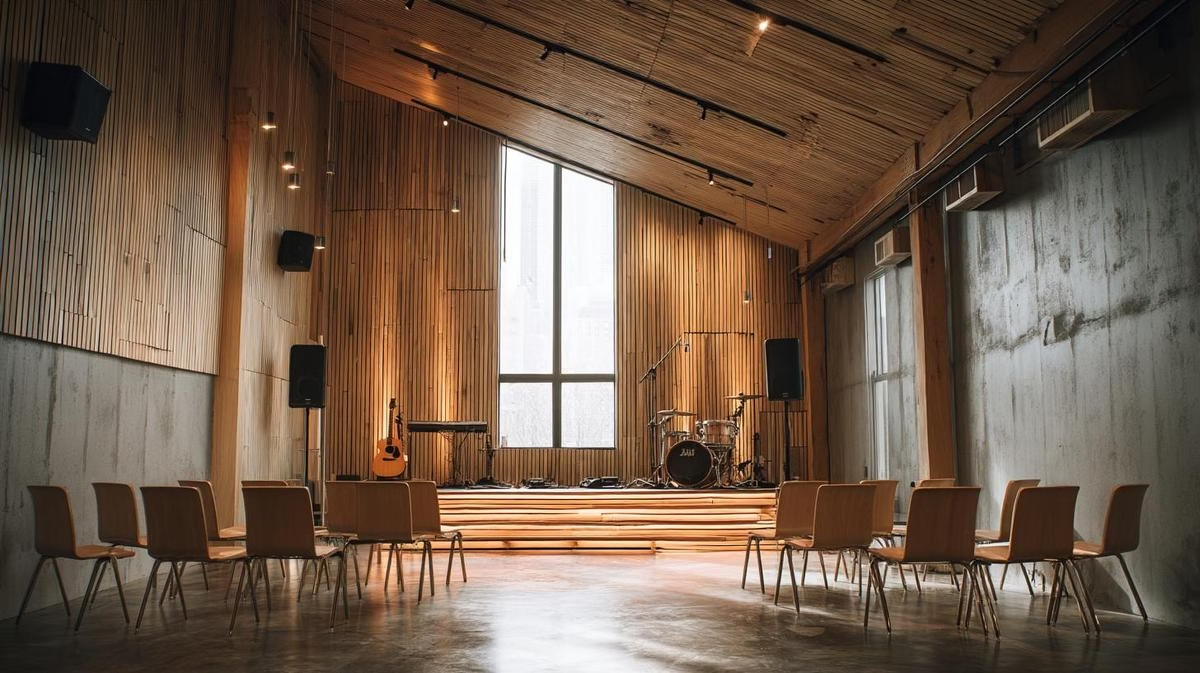
Most churches this size don’t need a full line array. A matched pair of high-quality speakers, mounted high and angled down toward the back third of the seating area, covers a standard 200-500 seat room evenly. We’ve seen expensive speakers on the floor sound muddy next to mid-range speakers that were mounted and angled correctly; the difference is placement, not price. Get the angle wrong and the front rows get blasted while the back third strains to hear.
Wireless Microphone Systems Worth the Money
Avoiding cutouts and static is what a wireless mic budget actually buys. You get roughly what you pay for, but there’s a reliable middle tier: the Shure BLX and Sennheiser XSW series, typically in the 500-600 MHz range, hit that balance for a mid-size church.
A standard setup starts with one handheld per worship leader, one to two handheld, headset, or lapel mics for pastors, and wired mics for backing vocals or choir, since wired is the cheaper, more reliable option where the performer isn’t moving much.
Digital Consoles and the Volunteer Factor
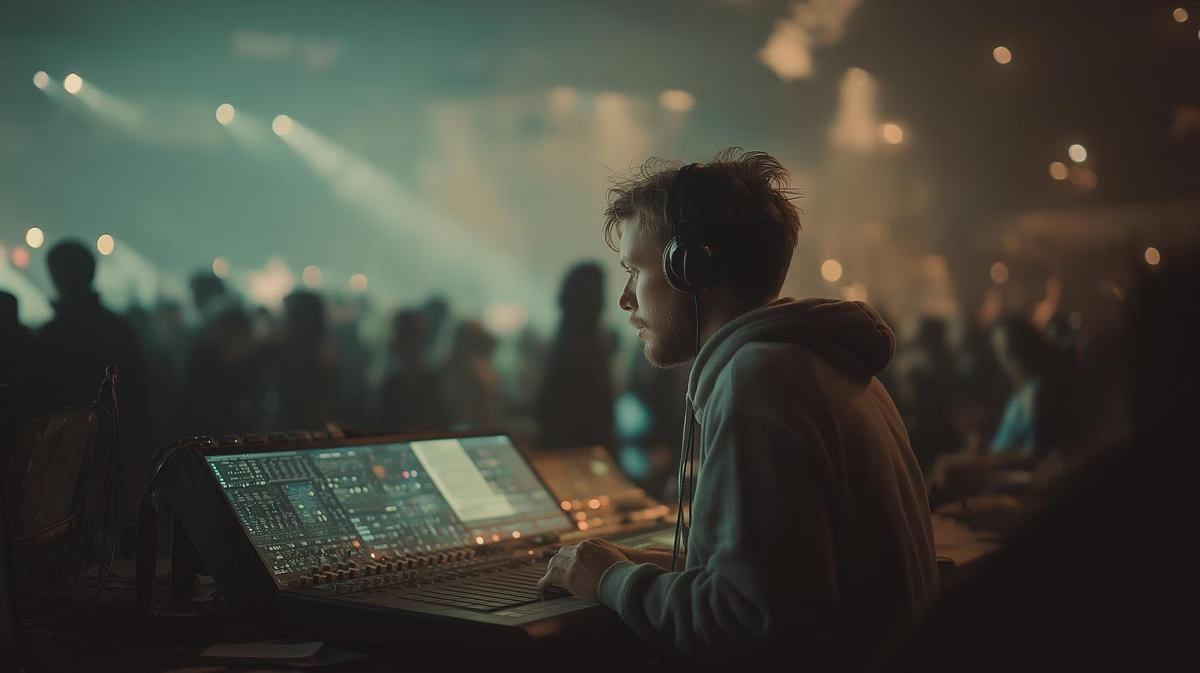
This is where a lot of churches get stuck choosing between price and usability. Analog boards cost less upfront, but digital consoles win for a volunteer-run booth, and the reason is presets: a Yamaha TF or Behringer X32 lets a volunteer save a “Sunday Morning” scene and recall it with one button if the mix gets thrown off during rehearsal. That reliability is worth paying for.
How Do You Set Up Live Streaming Without Losing a Full Weekend to It?
Live streaming moved from a nice-to-have to a baseline expectation for most churches after 2020, but it doesn’t need Hollywood production values to work.
PTZ Cameras for a One-Person Streaming Team
Static camcorders on tripods need a dedicated operator per camera. Pan-tilt-zoom cameras let one volunteer control multiple angles from a single joystick. A common starting setup uses two cameras: one wide shot from the back of the room and one tighter angle near the stage for the speaker. Good PTZ units run $1,500-$3,500 each.
Streaming Software and the Internet Connection That Actually Matters
OBS Studio is free and capable, with a real learning curve. Paid options like vMix or Ecamm Live (Mac only) trade the price tag for an easier interface when switching between cameras and slides.
The connection matters more than the software. Never stream over WiFi; it causes choppy video and dropped feeds under load. Run a hardwired ethernet connection with at least 10 Mbps upload, and budget for 20 Mbps if the room allows it.
The CCLI License Nobody Budgets For
A CCLI streaming license is required to legally show song lyrics on a broadcast, and it’s an easy line item to forget. It runs roughly $300 a year for a church this size, cheap insurance against a copyright strike that can pull a service down mid-stream.
What Does Proper Projection and Display Technology Look Like?
Screens in a sanctuary serve two jobs: helping the congregation sing and helping the preacher teach.
Projectors vs. LED Walls
LED walls look sharp, but they start around $15,000, which puts them out of reach for most 200-500 seat budgets. A high-lumen projector, 5,000 lumens or more, is still the more cost-effective choice for this size of room. Use the one-sixth rule to size the screen: width should be at least one-sixth of the distance to the farthest seat, so the back row can read lyrics without squinting.
Confidence Monitors
A confidence monitor, a simple screen facing the stage rather than the congregation, is one of the higher-value upgrades available at this budget. It lets a pastor see notes and the worship team see lyrics without turning around to check the main screen mid-service.
Software Beyond ProPresenter
ProPresenter is the industry standard, and it costs accordingly. EasyWorship is a lower-cost alternative that’s often more intuitive for volunteers who aren’t technical, and it handles lyrics and media without a steep learning curve.
How Much Should a 200-500 Seat Church Budget for AV?
The most common question we hear is some version of “how much does a church sound system cost?”
Cost Per Seat
For total budget planning, a cost-per-seat number is more useful than a flat estimate: figure $75 to $150 per seat for a professional audio, video, and basic lighting install. A 300-seat sanctuary renovation typically lands between $22,500 and $45,000 on that math.
The Phased Upgrade Approach
If $45,000 isn’t available right now, don’t stretch a smaller budget across every category at once. A phased approach gets more value per dollar:
- Phase 1, audio: $8,000-$25,000
- Phase 2, streaming and video: $5,000-$20,000
- Phase 3, lighting and finishing touches: $5,000-$15,000
DIY vs. Professional Installation
DIY saves money on the invoice and often costs more later, in unsafe rigging or cabling that introduces hum and noise nobody can trace. A professional install typically adds 15-25% to the hardware cost, and that premium covers system tuning, warranty coverage, and training your team on the finished system.
How Do You Train Volunteers and Keep the System Running?
The best gear in the world is wasted money if the team running it doesn’t know how.
Volunteer-Proof Workflows
Start simple: tape marks on faders that shouldn’t move, and saved scenes on the digital mixer so a volunteer isn’t rebuilding a mix from scratch every week. Teach signal flow basics for troubleshooting, mute buttons first, then cable connections, then power amps, so a dead channel doesn’t turn into a fifteen-minute mystery mid-service.
Maintenance That Prevents the Late-Night Panic Call
Dust is the quiet killer of AV gear, more than age. Wipe down equipment monthly, and check cables for crackling or intermittent connections twice a year. Teach the team to ring out the room before service, finding and cutting frequencies that squeal, instead of chasing feedback live during a song.
Building AV That Fits Your Church, Not Someone Else’s
A 200-500 seat church doesn’t need a stadium rig, and it doesn’t need to get by on a portable setup either. Right-sized gear, phased over a few budget cycles, with a team trained to run it, covers the gap.
For a closer look at how we design audio systems around the room instead of the spec sheet, or how this fits into broader AV planning for houses of worship, those pages go deeper on the specifics. Ready to plan your system? Book a free consultation and we’ll walk your sanctuary with you.